

Lab benches waste hours every week on manual tip loading. Each slip adds error and slows your workflow.
A university genomics core that runs dozens of PCR plates can spend a full day just filling tips. The same routine in a biotech startup often means hand fatigue and costly repeat runs. When you miss a tip, you lose a sample and a deadline.
First, list the number of wells you fill each run. Second, set a budget that includes the dispenser and the consumable tips. Third, compare models that promise high‑throughput while staying under budget. Look for an affordable high‑throughput pipette tip dispenser that can handle 96 channels at once and that offers motorized tip loading. Make sure the price stays affordable, many options sit below $5,000 and still cut labor by half.
Shop Genomics offers a range of pipettes and tip dispensers that fit tight budgets. Their catalog lets you filter by price, channel count, and free‑shipping eligibility. When you bundle a dispenser with a set of compatible tips, you often shave another ten percent off the total. You’ll also find detailed specs and user reviews to guide the final pick.
While you boost lab speed, remember to keep yourself healthy; the XLR8well program gives researchers quick wellness checks to stay sharp on the bench. A healthy team works faster and makes fewer mistakes.
Step 1: Choose the Right Dispenser Model
First thing you need to know is how many wells you fill each run. Count them. Then set a budget that covers the dispenser and the tips. Most labs find a sweet spot under $5,000 for a unit that can hit 96 channels at once.
Next, look at the core features. Motorized tip loading is a must – it cuts hand fatigue and keeps your samples safe. Check the foot‑print: the device should fit on a standard bench without crowding other gear.
While you’re scouting, think about support. Some brands offer free‑shipping or easy returns, which can save you time later. If you’re a CRO or a university lab, you might also qualify for bulk discounts.
Here’s a quick checklist:
- Channel count (96 is the gold standard for high‑throughput).
- Motorized tip loading and ejection.
- Bench size and power needs.
- Warranty and service options.
Got the list? Great. Now compare a few models. The AutoMATE™ 96 from Accuris is a top pick for labs that need speed and reliability. It handles 96 channels, loads tips hands‑free, and works with most tip brands. For smaller budgets, look for a stripped‑down version that still offers motorized loading.
Don’t forget the human side. Long bench work can wear you down. The XLR8well program gives researchers quick wellness checks so you stay sharp. A healthy crew makes the dispenser work even better.
Sometimes you need a focus boost. The Pomodoro method helps break down long runs into short, intense bursts. A guide for homeschool parents shows how to apply it, and it works just as well in a lab setting: Pomodoro focus tips.
When you’ve narrowed down your options, visualise the workflow. A simple chart can show where the dispenser sits in your process, how tips move, and where errors might happen. MarisGraph has templates that make that easy.
Ready to see one in action? Watch the short demo below.
Notice how the dispenser loads a full rack without a hand. That’s the speed boost you’ve been looking for.
Now picture the setup on your bench. A clean, organized station keeps mistakes low and morale high.
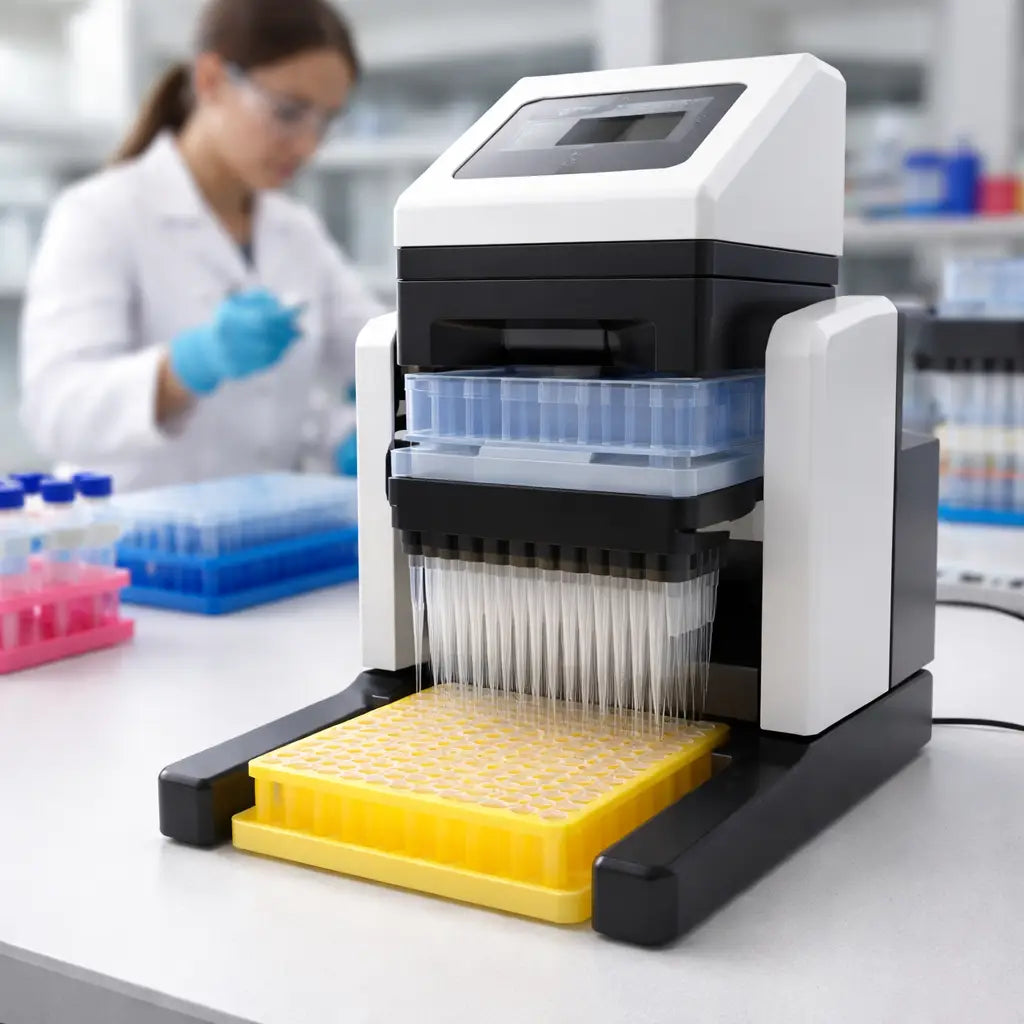
Step 2: Set Up for High‑Throughput Operation
Now that you have picked a model, it’s time to get the bench ready. A clean, level surface stops wobble and keeps tips from falling off.
First, clear the area. Remove any extra tubes, racks or clutter. Wipe the bench with 70 % ethanol and let it dry. A dry surface gives the dispenser a firm grip.
Power and connections
Plug the unit into a grounded outlet. Most affordable high‑throughput dispensers run on 110‑240 V, so you can use a standard lab socket. Check the power cord for any cuts before you plug it in.
Connect the USB or Ethernet cable if the machine uses a tablet app. Make sure the cable is short enough not to pull on the unit.
Tip rack placement
Place the tip rack on the loading slot so the slots line up with the dispenser’s guide rails. The rack should sit flush – no gaps.
Do a quick visual check: all 96 holes should be clear of debris. If you see dust, blow it away with compressed air.
Run a short “load test” from the menu. The dispenser will grab a few tips and drop them back. Listen for the soft click that tells you the tip is locked.
Why is this step key? A proper lock keeps the seal tight and avoids the ±5 % volume error that can ruin a PCR run explains the impact of poor tip installation.
Software set‑up
Open the touch screen app. Load a simple protocol: pick a plate, set a volume, and choose “single tip”. Save it as “quick test”.
Run the protocol with water. Watch the dispenser move. If it stalls, check that the tip rack is seated straight.
Once the test runs clean, you’re ready to load real samples. Keep a log of any tweaks you make – future runs will be faster.
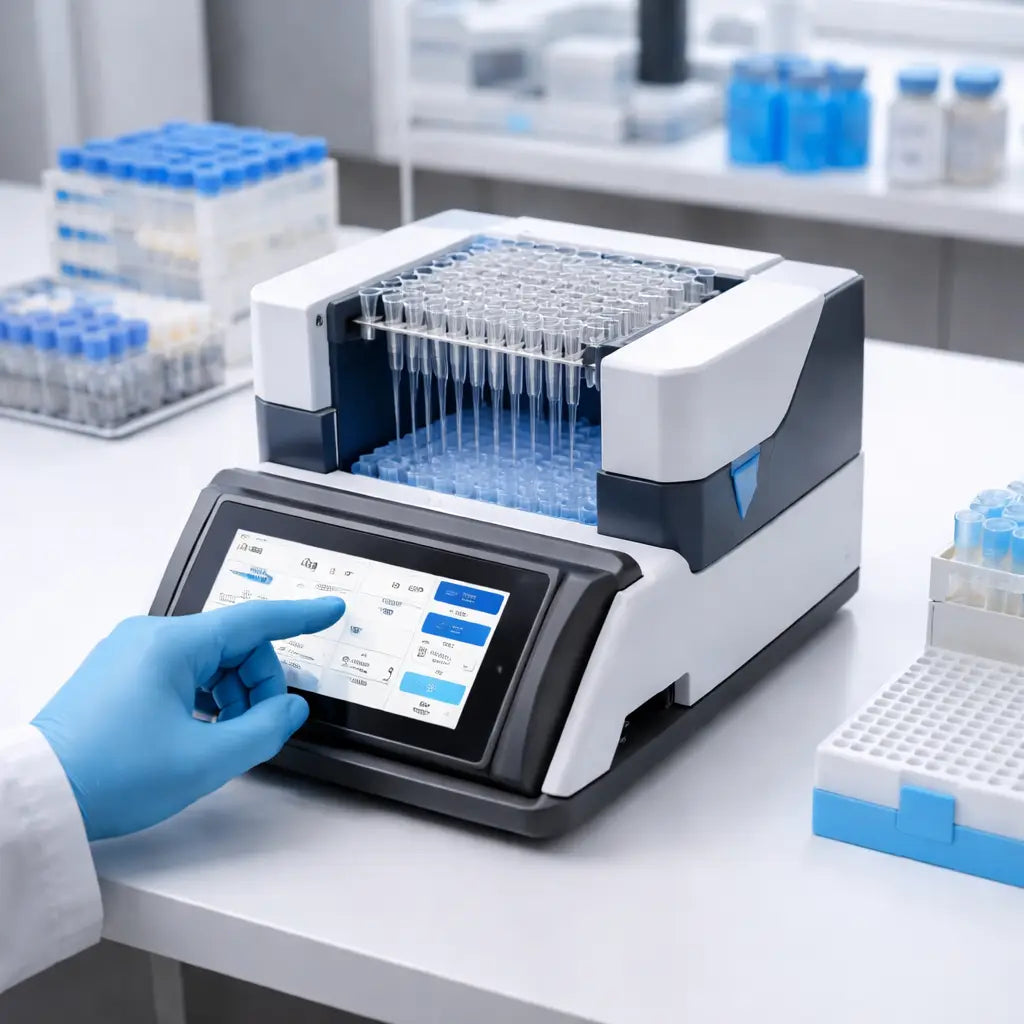
Step 3: Optimize Consumables and Workflow
Now that your dispenser runs clean, it’s time to look at the tips and the way you move samples.
Tip choice matters more than you think. A cheap tip that fits poorly can leak, waste reagents and cause a failed run.
Pick the right tips
First, match the tip size to the volume you plan to move. A 10 µL tip for a 200 µL transfer will waste tip material and add extra steps.
Second, check the tip’s material. Polypropylene works for most buffers, but a hydrophobic tip can help with oily samples.
Third, buy in bulk from a trusted source. Shop Genomics offers bulk packs that lower the per‑tip cost and include a short‑date guarantee.
Tune the workflow
Keep a tip‑log on the tablet. Note which tip lot gave the cleanest drops. When you see a spike in error, swap to the next lot.
Arrange tip racks so the dispenser can grab them without turning. A straight‑line layout cuts the travel distance by half.
Use a single‑tip protocol whenever possible. Running one tip per well reduces wear and keeps the system quiet.
Quick checklist
- Confirm tip size matches protocol.
- Pick material that fits your sample.
- Store tips in a dry, dust‑free box.
- Log tip lot performance.
- Place racks in a straight line.
Feature comparison
| Feature | Option | Note |
|---|---|---|
| Tip size | 10 µL, 200 µL, 1000 µL | Use the smallest size that fits your volume. |
| Material | Polypropylene, PTFE‑coated | Polypropylene works for most buffers; PTFE helps with oils. |
| Packaging | Bulk (10 k tips) vs. Small (500 tips) | Bulk lowers cost but needs good storage. |
When you line up the right tips, keep a tidy rack layout, and log performance, the whole process becomes faster and cheaper. You’ll see fewer drops, less waste and a smoother run every time you fire up the affordable high‑throughput pipette tip dispenser.
Step 4: Maintain and Troubleshoot Your Dispenser
Keeping the affordable high‑throughput pipette tip dispenser humming takes a few simple habits. A clean machine means fewer dropped tips and more reproducible runs.
Daily wipe‑down
After each batch, grab a lint‑free cloth and a little 70 % ethanol. Swipe the tip loading rails, the tablet screen, and the rack guides. Let the surface dry before you close the lid. This quick step stops dust from building up where the tips slide.
Weekly deep clean
Once a week, remove the tip rack carousel and give it a gentle shake to dislodge any stuck debris. Soak the rails in a shallow tray of mild detergent for five minutes, then rinse with distilled water. Dry everything with a clean paper towel. Re‑assemble and run the built‑in “self‑test” routine if your model offers one.
Does the dispenser sometimes miss a tip? That usually points to a mis‑aligned rack or a worn tip guide. Check that the rack sits flush against the guide rails. If the gap looks bigger than a millimeter, tighten the mounting screws or replace the guide strip.
Typical error messages
“Tip not detected” often means a tip is broken or the sensor is dirty. Open the sensor window, wipe it clean, and inspect the tip for cracks. Swap in a fresh rack and see if the error clears.
“Motor stall” can be a sign of a clogged rail or a loose cable. Look for any paper shreds or tip fragments lodged in the rail path. Pull the power cord gently, reseat the USB or Ethernet link, then power the unit back on.
When to call support
If the machine repeatedly fails the self‑test after you’ve cleaned it, it may need a firmware update or a worn part replacement. Contact the vendor’s service desk – most affordable models come with a one‑year warranty that covers parts.
By logging each clean, each error, and each fix in a simple notebook, you’ll spot patterns before they turn into costly downtime. A tidy dispenser keeps your lab running smooth, and you’ll spend more time getting results than fixing gear.
Conclusion
You've seen how an affordable high-throughput pipette tip dispenser can cut hours from a busy bench.
When the rack sits flush and the sensor stays clean, you spend more time getting data and less time fighting gear.
Pick a model that fits your budget, matches your tip brand, and offers easy service. That way the device stays reliable day after day.
Log each clean, each error, each tip lot. A simple notebook will show patterns before they turn into costly downtime.
In our experience, labs that treat the dispenser like any other piece of equipment see faster runs and happier technicians.
So, grab the right dispenser, set up a quick daily wipe-down, and let the machine do the heavy lifting.
Ready to boost your workflow? Check the options on Shop Genomics and pick the tool that fits your lab.
You’ll save time, cut errors, and keep your budget happy.
FAQ
What is an affordable high-throughput pipette tip dispenser?
An affordable high-throughput pipette tip dispenser is a machine that loads tips into a 96‑well plate automatically. It can move all 96 tips at once, so you skip the hand‑load step. The unit runs on standard lab power and fits on a normal bench. By using it, you shave minutes off each run, which adds up to hours each week.
How do I pick the right model for my lab?
Start by counting how many wells you fill each week. Look at the price of the dispenser and the cost of the tips it uses. Pick a model that holds 96 tips, has motorized loading, and matches the tip brand you already buy. Check that the vendor offers local service and a clear warranty. A simple checklist keeps the choice quick and safe.
How often should I clean and service the dispenser?
A quick wipe‑down after each batch is enough for daily use. Use a lint‑free cloth and a splash of 70 % ethanol on the tip rails, the screen, and the rack guides. Once a week run a deeper clean: remove the carousel, soak the rails in mild detergent, rinse and dry. Log each clean in a notebook so you can see patterns before they become problems.
Can the dispenser work with different tip brands?
Most dispensers accept standard 96‑well tip racks from several manufacturers. Check the rack dimensions and the tip‑fit guide in the user manual. If your lab already uses a specific brand, look for a model that lists that brand as compatible. When in doubt, run a short test with a few racks to see if the tips lock cleanly. This avoids wasted tips and extra cost.
What are common error messages and how can I fix them?
The most common message is “Tip not detected”. It usually means a tip is broken or the sensor is dirty. Open the sensor window, wipe it with a soft cloth, and inspect the tip rack for cracked tips. Another frequent alert is “Motor stall”. Look for paper or tip fragments stuck in the rail, then reseat the power cable. A quick visual check often clears the error.
Is the investment worth the time saved?
Think about the time you spend loading tips by hand. If you run ten plates a week, that’s about an hour of manual work. A dispenser can cut that to a few minutes, saving you both time and fatigue. The upfront cost pays back in fewer errors, less repeat work, and happier staff. For most labs, the return on investment shows up in a few months.



