Have you ever stared at a price tag on an ultra‑low temperature freezer and felt your brain go haywire? The numbers can look like a maze. Let’s untangle that maze together.
We’re not here to sell you a freezer; we’re here to help you make sense of the price so it feels fair. That means looking past the sticker and seeing what you’re really getting. Ready to dive in?
Think about the last time you budgeted for a big lab purchase. Did the cost feel like a wall or a stepping stone? Ultra‑low temperature freezers are the foundation of many studies, and the price can make or break a project.
We know how crunching numbers feels when deadlines loom. That’s why we’ll break down the main cost drivers: the base unit, energy consumption, maintenance, and support services. Understanding each piece helps you spot savings and avoid hidden surprises.
First, the base price. This is the sticker you see when you click add to cart. It covers the chassis, insulation, compressor, and basic controls. It’s the starting point, but it’s not the whole story.
Next up, the electricity bill. Ultra‑low temperature freezers run 24/7, and their power draw can eat up a decent chunk of your budget over time. Calculating annual kWh usage gives you a clearer picture of long‑term cost.
Don’t forget about maintenance. Even the most reliable freezers need routine checks, compressor replacements, and spare parts. Factoring in a service plan can smooth out those occasional spikes.
Support services are another hidden layer. Warranty terms, on‑site tech visits, and remote troubleshooting can add value or cost. Knowing what’s covered before you buy saves headaches later.
Now imagine you’re a small academic lab juggling grant money and student salaries. You need a freezer that stays below –86°C without breaking the bank. The right balance between upfront cost and long‑term savings can mean the difference between a finished project and a stalled one.
So, where does the price sit in the grand scheme? It’s not just a number; it’s a decision that affects every downstream step in your research workflow. In the next section, we’ll explore how to compare models, spot cost‑saving tricks, and negotiate better terms. Let’s get started.
TL;DR
We break down the real cost drivers of ultra‑low temperature freezers—price, power, maintenance, and support—so you can spot hidden savings.
With our guide, you’ll know how to pick a freezer that fits your budget and keeps your research on track.
Step 1: Identify Your Storage Needs
First off, think about what you actually need to keep safe. Do you have a handful of DNA samples that must stay at –80 °C, or are you juggling thousands of clinical specimens? The difference in volume and temperature range will shape the freezer size and price you end up paying.
Start with a quick inventory. Make a spreadsheet with columns for sample type, expected volume, and how often you’ll access them. If you’re a small research group, maybe a single 20‑liter cabinet is enough. For a larger CRO, you might need a 30‑ or 40‑liter chest with multiple drawers so you can separate batches by project.
Next, map out where the freezer will live. A lab bench with plenty of airflow is ideal, but if space is tight you might need a freestanding unit. Remember that the price of a freezer can rise if you have to add extra shelving, climate‑controlled cabinets, or a custom enclosure.
Think about your budget in two parts: the upfront cost and the operating cost. The sticker price tells part of the story, but energy use, maintenance, and parts replacements can add up. For example, a model that looks cheap might consume more kWh per year, which hurts your grant budget over time.
Here’s a quick check: grab a calculator on your phone and plug in the energy rating of the freezer you’re looking at. Multiply the kWh per year by your local electricity rate to see the yearly bill. If that number feels steep, look for a unit that has a better energy efficiency rating or a built‑in smart thermostat that can cycle on and off when the lab is empty.
Now let’s talk about reliability. In a clinical lab, you can’t afford a power outage to ruin samples. Look for models with dual‑stage compressors or battery backups. And check the warranty details—some companies offer extended service plans that cover parts for a few years after purchase.
Want to keep the cost low but still get a top‑tier freezer? A lot of labs use a tiered approach: a primary freezer for daily use and a secondary one for backup or long‑term storage. That way, you don’t have to splurge on a single machine that can do everything.
Check out JiffyPrintOnline for bulk printing of labels and specimen tags—keeping your freezer organized is half the battle.
It’s also useful to see how other labs are handling their storage. Chatter Plus has a community forum where researchers share tips on freezer maintenance and cost‑saving hacks. Hearing real‑world experiences can help you pick a model that fits your workflow.
Once you’ve narrowed down a few models, look at the trade‑offs. Bigger means higher price but also more capacity and often lower per‑sample energy consumption. Smaller units are cheaper upfront but can rack up higher energy bills per liter over time.
At this point, you’re ready to do a quick cost comparison. List each model’s price, annual energy cost, and estimated maintenance fees. Then, pick the one that offers the best total cost of ownership for your lab’s size and usage pattern.
And finally, remember that a freezer isn’t a one‑time purchase. Plan for replacements or upgrades in five‑to‑seven‑year increments. This foresight keeps your budget predictable and your samples safe.
Need more ideas on how to cut costs? Eschub offers a range of lab automation tools that can reduce manual handling and the risk of temperature excursions.
Take a moment to digest the video; it's a quick visual walkthrough of how to set up your freezer and keep your samples safe.
Once you’re comfortable with the basics, you can dive into the next step: comparing specific models and negotiating the price.
Step 2: Research Different Models and Brands
We’ve already figured out what you need to store. Now it’s time to ask: which freezer can deliver that temperature without blowing your grant money? The answer isn’t obvious because the market is crowded with chest, upright, and hybrid models, each with its own quirks.
Start by pulling a spreadsheet that lists every candidate. Put columns for price, capacity, compressor type, power draw, and any optional accessories like remote data loggers. It’s a simple habit that turns a chaotic web of spec sheets into a side‑by‑side comparison.
One trick that saves headaches later is to group freezers by their cooling technology. Inverter compressors are usually 30‑40% more efficient than the classic “fixed‑speed” units, and that difference shows up on the power meter even in the first month. Hybrid models—two independent systems—offer a safety net if one fails, so you never lose a vial during a power hiccup.
Look at real‑world data. For instance, a 26‑cubic‑foot upright from the shop’s lineup can hold 200 vials and runs at 1,700 W. An equivalent chest unit might use 2,300 W, meaning a yearly energy cost that’s roughly $250 higher at $0.12/kWh. Over five years, that adds up to nearly $1,250. Those numbers come straight from the How Ultra Low Temperature Freezer Price Is Set and How to Find the Best Deals guide.
Don’t stop at specs. Reach out to peers who just upgraded. Ask them how many door openings they average per day, how quickly the temperature recovers, and whether the unit’s alarm system was reliable. A quick Slack poll or a LinkedIn message can surface those nuggets faster than any brochure.
When you have the data, rank the models using a weighted score. Weight cost at 40%, energy at 30%, user experience at 20%, and support at 10%. A spreadsheet that calculates a total score lets you see at a glance which freezer gives you the best bang for your grant dollars.
Here’s a quick example. A 20‑liter chest runs 1,500 W, costs $12,000, and has a 3‑year warranty plus optional 5‑year maintenance for an extra 7%. An upright that’s 1,200 W, $13,500, and a 5‑year warranty plus a 3‑year maintenance plan for 5% extra. If you weight cost and energy higher, the chest wins. If you weight reliability higher, the upright edges out. Pick the one that matches your lab’s risk tolerance.
Don’t forget accessories. A data logger can cost $500 but saves you from a $2,000 loss if a temperature spike goes unnoticed. A door‑sensor can add $300 and reduce door‑open time by 20%, shaving off idle compressor minutes.
When you’ve narrowed it down, run a “what‑if” scenario. Assume a 1% failure rate per year. Multiply that by the unit’s cost and the cost to replace the compressor. That gives you a projected downtime cost you can factor into your ROI.
Need to keep samples labeled? custom lab labels from a dedicated printing service make inventory fast and error‑free, saving you both time and money.
Want to see how other labs rate these models? Use a community feedback platform to pull up peer reviews and discuss performance nuances that only hands‑on users know about.
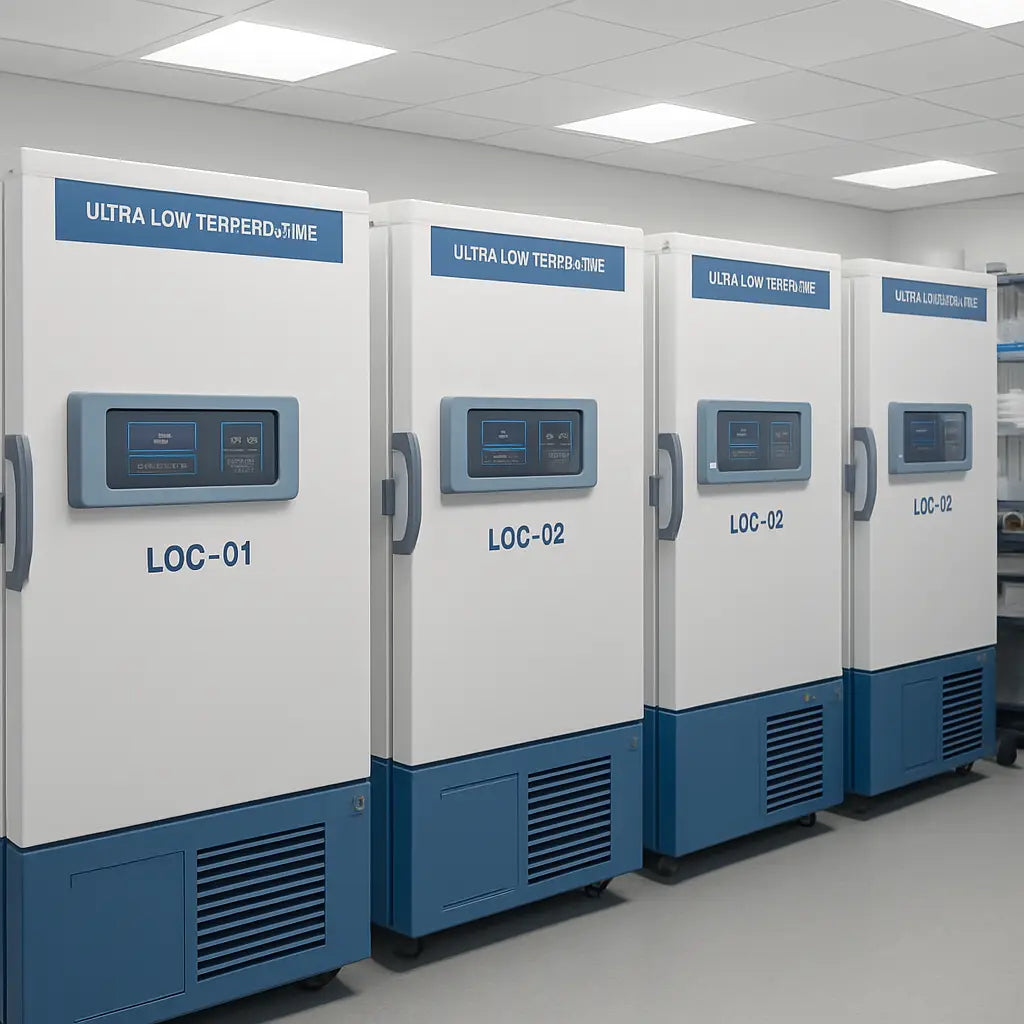
Now that you’ve walked through the data, you’re ready to make a recommendation. The key is to let numbers, peer insight, and realistic use‑case scenarios guide you, not just the lowest sticker price.
Step 3: Compare Prices and Features
Now that you’ve scoped your needs, it’s time to line up the numbers and the actual bells and whistles of each freezer. We’re not just looking for the lowest sticker price; we’re hunting for the best value per degree‑celsius of protected sample.
1. Create a side‑by‑side comparison sheet
Open a blank spreadsheet and drag every model into a single row. Columns should include Base Price, Capacity, Compressor Type, Power Draw (kWh/day), Warranty Length, and optional add‑ons like data loggers or door sensors.
Keep the sheet simple—no fancy formatting—just raw numbers that you can weigh later.
2. Weight the factors that matter most to you
Ask yourself, “If I had to pick one thing to save the most money over five years, what would it be?” For many research labs, energy consumption tops the list.
Give each column a weight: Price 30%, Energy 30%, User Experience 20%, Support 20%. Adjust if you’re in a high‑energy‑rate state or if you’ve had recurring maintenance headaches.
3. Plug in the real numbers
Take the power draw of a high‑efficiency unit—say 12 kWh/day—from the product spec sheet. Multiply by 365 to get yearly usage (4,380 kWh). If your local rate is $0.12 per kWh, that’s roughly $525 a year.
Do the same for a legacy model that uses 20 kWh/day. The annual bill jumps to $876—an extra $350 that adds up quickly.
These calculations mirror the approach described in the FARRAR blog, which shows that energy‑efficient systems can save up to $438 per year at a typical rate. Read the full analysis for deeper context.
4. Factor in maintenance and warranty
A 3‑year warranty is great, but if you’ve seen compressors fail within that window, look for an extended service plan. That extra cost is often a small fraction of the initial price and can prevent costly downtime.
Remember: a freezer that costs $10,000 but needs a compressor replacement after two years is far less economical than a $12,000 unit with a 5‑year plan.
5. Don’t forget the add‑ons
Data loggers, door sensors, and even a spare compressor can cost $300–$800 each. Weigh them against the potential loss from a missed temperature spike.
Some labs find that a $500 data logger saves them $2,000 if a spike goes unnoticed, a clear ROI. Check the Labsup catalog for these extras and their prices.
6. Run a quick “what‑if” scenario
Assume a 1% annual failure rate. Multiply that by the unit’s cost plus replacement parts to estimate downtime cost. Add that to the annual energy bill to get a true yearly cost.
For example, a $14,000 freezer with a $5,000 compressor cost means $140 downtime per year—a big hidden expense if you’re on a tight grant.
7. Score each model
Create a score by multiplying each column’s value by its weight and summing. The model with the highest score is your sweet spot.
Keep the spreadsheet handy; you can update it whenever a new model drops or a price changes.
8. Validate with peers
Reach out to a colleague who recently upgraded. Ask how often they open the door per day and if the compressor runs more or less than expected.
Real‑world chatter often reveals quirks that the spec sheet glosses over.
9. Consider the room environment
Placing a freezer in a warm, poorly ventilated area can inflate energy use by 20–30%. If your lab’s HVAC is a bit of a hot‑spot, factor that into the energy cost.
10. Decide and negotiate
Once you’ve identified a front‑runner, use the data to negotiate. If you’re buying multiple units, ask for bulk pricing or free shipping, which Labsup offers for every ULT freezer.
Show the vendor your weighted score sheet—proof that you’re making an informed decision, not just chasing a cheap deal.
11. Final check
Before you hit “buy,” double‑check the annualized cost: (Initial Price ÷ 5) + Energy + Maintenance + Add‑ons. Compare that to your grant’s yearly budget ceiling.
If it fits, you’re set. If not, revisit the weights or look at a slightly larger but more efficient unit.
By treating each factor like a puzzle piece and using real numbers, you’ll land a freezer that keeps your samples safe without breaking the budget.
Key takeaway
Don’t just chase the lowest price. Look at total ownership cost, energy savings, and the real‑world experiences of peers. That’s how you find the best value for your ultra‑low temperature freezer.
Step 4: Check Availability and Delivery Options
All that research and budgeting work feels great, but if the freezer isn’t in your lab when you need it, the whole plan crumbles. So let’s talk about the real‑world details that make or break a purchase: stock, shipping windows, and the nuts and bolts of getting a unit from the shelf to your bench.
First up, hit the vendor’s inventory page. A quick search can tell you if the model you’ve been eyeing is in stock or if it’s a “just‑in‑time” order. Some freezers, like the Ai Glacier 21‑Cu‑Ft, ship within 1–2 weeks if you place your order early in the week. Others, especially larger upright units, may have a 4‑week lead time because they need to be assembled on site.
Does your lab run on a tight grant cycle? Knowing the exact delivery window lets you slot the freezer into your project timeline without stalling downstream assays.
Next, consider shipping logistics. Ultra‑low temperature freezers are heavy and fragile; most vendors offer a “door‑to‑door” service that includes a temperature‑controlled crate and a qualified logistics partner. Ask for a delivery estimate that covers:
- Transit time (e.g., 5 business days)
- Temperature monitoring during shipment
- Customs clearance if you’re ordering from outside the country
Ask your vendor if they can track the unit in real time. Some shipping partners provide a live dashboard showing the unit’s temperature profile. That peace of mind is worth a few extra dollars, especially if you’re shipping to a remote campus or a satellite lab.
What about the actual drop‑off? Will the delivery team arrive with a forklift ready to lift the freezer into place, or will you need to move it yourself? Many suppliers offer an optional on‑site setup package: a technician will deliver the unit, position it in the designated cabinet, run a quick temperature test, and hand you a user manual. If you’re running a small startup, you might skip that step and do the setup yourself, but be sure to have a certified technician on standby in case you hit a snag.
Now, let’s talk about delivery windows that fit grant timelines. If your grant disburses in January, you’ll want the freezer to arrive in February so you can start your experiments in March. In that scenario, you might choose a vendor that promises a 3‑week shipping window instead of a 6‑week one. It’s a small extra cost that saves weeks of idle time.
Installation isn’t just about getting the unit in the room. You have to make sure the lab space meets the environmental requirements: ventilation, temperature, and humidity. A lab with a hot HVAC zone can raise the freezer’s energy usage by up to 30%. Before you order, walk around the intended room with a handheld thermometer and note the ambient temperature. If it’s consistently above 25°C, you might need to add a cooling unit or relocate the freezer.
Ask the vendor for a pre‑install checklist. A good one will cover:
- Ventilation assessment
- Door clearance and cable routing
- Backup power options
Don’t ignore the warranty and service plan. Many freezers come with a 3‑year parts warranty, but if you’re in a high‑usage lab, you might want a 5‑year plan that covers compressor repairs. Include the cost of the plan when you calculate the total cost of ownership. It often pays off before the unit’s 5‑year lifespan ends.
Here’s a quick “availability check” checklist you can print or keep in your spreadsheet:
- Stock status (in stock / pre‑order)
- Expected shipping window
- Delivery method (door‑to‑door, freight, or pick‑up)
- On‑site installation option
- Warranty length and coverage
- Local lab conditions (temperature, ventilation)
- Budget impact of delivery and installation
Run this checklist with a single pencil or a quick Google Sheet. If any item is a deal‑breaker, you’ve already identified a potential snag before you hit “buy.” That’s the kind of foresight that saves money and time.
Remember, the price tag on the freezer is just the beginning. A well‑planned availability and delivery strategy can shave weeks off your project timeline and keep your samples from hanging in uncertainty.
With that in mind, you’re ready to lock in the order, confident that the unit will arrive when you need it and that your lab will be ready to go.
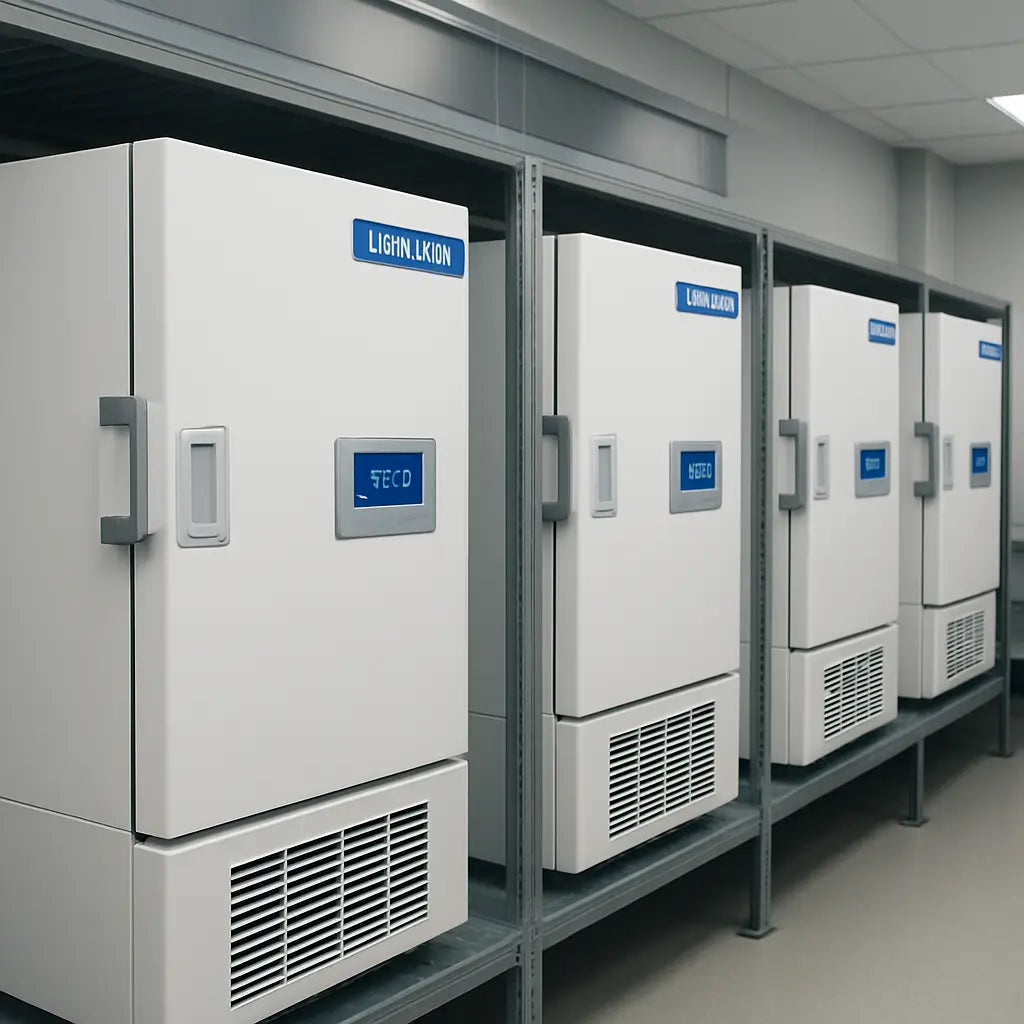
Step 5: Factor in Running Costs and Warranty
Let’s be real: the ultra low temperature freezer price you see on a page is only half the story. In labs across academia, CROs, and biotech firms, the ongoing costs are what bite budgets year after year.
Energy is the big, often overlooked cost. A typical upright ULT freezer can run up a meaningful annual bill, and the exact amount depends on how you use it and how efficiently it’s built. In the UK, estimates commonly put the annual running cost for a single unit at about £570–£750, depending on usage and efficiency. If you’ve got several freezers or a warmer room, multiply accordingly. See the UK energy costs of ULT freezers.
Does that mean you should abandon the idea of an affordable ultra low temperature freezer price? Not at all. It means you should fold running costs into every pricing comparison. Models with energy-saving features—like smarter defrost cycles or inverter/variable-speed compressors—can noticeably trim that yearly bill. And yes, those savings compound over five years, which is a big part of the total cost of ownership.
So, what’s the practical way to plan for five years of reality? Start with a simple formula: upfront price plus five years of energy, plus maintenance, plus any service plans or extended warranties. If a maintenance plan runs around 5–10% of the upfront price, it’s often worth it to dodge disruptive downtime. This is the kind of guardrail that keeps your grant funds from evaporating in the middle of a critical experiment.
Here’s a quick way to visualize it. Suppose you’re evaluating a £15,000 freezer. If energy costs run around £1,000 per year and maintenance adds £300 annually, you’re already looking at around £5,000 in energy and maintenance over five years. Add an extended service plan or enhanced warranty—often around 5–10% of the purchase price—and you’ll land in the £22k–£23k zone for the full five-year window. The key is to compare this total cost of ownership across models, not just the sticker price.
What should you ask vendors about warranty and service plans? Clarify what’s covered (compressors, sensors, data loggers, door seals), response times, on-site visits, and remote diagnostics. If downtime is a recurring bottleneck in your workflow, an on-site service agreement can be worth the extra cost. And if you’re in a high‑throughput setting, a longer warranty paired with proactive maintenance can dramatically reduce unexpected outages.
To make this tangible, build a simple five-year worksheet for each model: purchase price, estimated annual energy cost, annual maintenance, annual parts replacement (if any), and the cost of any extended warranty. Then add them up. Your best value isn’t the cheapest freezer—it’s the model that minimizes downtime and total spend while meeting your storage needs.
From our experience, platforms like Shop Genomics help by offering trusted, energy-conscious options and transparent pricing, so you can compare like with like instead of chasing marketing claims. It’s a small edge, but it adds up when grants are tight and timelines are tight too.
Bottom line: when you’re weighing ultra low temperature freezer price, give weight to the five-year story—not just the upfront tag. Your future self and your samples will thank you.
Key Models Compared
Ever wonder why a freezer’s price tag feels like a maze? The answer is simple: each model hides a different mix of size, power use, and warranty peace‑of‑mind. Let’s cut the fluff and line up the big players.
We’ll look at three real‑world options that labs in every niche lean on. Each one offers a unique value ladder, from budget‑friendly to high‑tech.
Ai Glacier 21 Cu Ft – a chest‑style freezer that holds 22 × 22 × 51 in. It’s popular in small‑to‑mid‑size research labs for its low power draw and easy door access.
Ai RapidChill 26 CF – an upright that slots 352 cryo‑tubes. Labs that need quick retrievals and better airflow gravitate to this model.
Lab World Ultra Low Freezer (2025) – a used 24.7‑cu‑ft unit that still runs under the same 86 °C threshold. It’s a cost‑effective choice for teams that already own a room‑size freezer and need a quick replacement.
Think of the freezer as a long‑term investment. If you’re a grant‑driven group, the five‑year cost of ownership will outshine the sticker price. Pay attention to power consumption, door‑opening cycles, and warranty terms.
Do you need a rapid temperature recovery? The upright gives you that edge. Need a larger capacity without extra cabinet space? The chest model is a better fit. Want to keep the unit out of a tight budget but still meet strict temperature stability? The used unit from Lab World can be a sweet spot, as long as you’re comfortable with a refurbished appliance.
One quick rule: multiply the annual kWh by your local rate to see the energy bill. A chest freezer that runs 1,500 W will spend about $270 a year at $0.12/kWh; an upright at 1,700 W will hit $306. That $36 difference can add up when you have several units.
Want a deeper dive into each model’s specs? The Lab World listing details the 2025 Ultra Low Freezer’s energy‑star rating, climate‑friendly refrigerant, and a 30‑day warranty. Learn more here.
| Feature | Ai Glacier 21 Cu Ft | Ai RapidChill 26 CF | Lab World Ultra Low Freezer |
|---|---|---|---|
| Capacity (cryo‑tubes) | ~480 | 352 | 528 (high‑end model) |
| Power draw (W) | 1,500 | 1,700 | 1,600 (typical) |
| Warranty | 3 yrs | 5 yrs | 30‑day |
Take this table home, plug in your numbers, and watch the total cost of ownership come into focus. The right model is the one that fits both your science and your grant. It’s not about the cheapest price; it’s about the most reliable value over five years.
Keep this in mind and you’ll be ready to make a smart buy.
Conclusion
We’ve walked through the math, the models, the delivery quirks, and the energy bills. If the numbers still feel like a maze, pause for a breath. The real win is knowing that the “ultra low temperature freezer price” isn’t just a sticker; it’s a lifetime of reliability, uptime, and grant‑friendly budgeting.
First, keep the five‑year view front and center. A $12,000 freezer that saves $400 a year on electricity and comes with a solid 3‑year warranty can outshine a $9,000 model that rattles every month. Second, factor in the small add‑ons—door sensors, data loggers, or a quick‑install service. Those extras often pay for themselves when a spike could cost a vial or a week of experiments.
Ask yourself: What’s the biggest risk to my workflow? If it’s a power hiccup, lean toward a unit with a backup‑power option or a longer service plan. If it’s a tight budget, look at bulk‑order discounts or free shipping on larger orders—something we’ve seen help labs stretch every grant dollar.
Finally, trust the data you’ve gathered. Your spreadsheet is more than numbers; it’s a conversation with your budget, your team, and your science. Plug those figures in, run the totals, and you’ll see the clear winner without the guesswork.
Take a breath, review the totals, and make the call that keeps your samples safe and your grant healthy. You’ve got this.
FAQ
1. How do I calculate the long‑term cost of an ultra‑low temperature freezer?
Start with the purchase price, then add the five‑year total of energy, maintenance, and any service plan. Use the 24‑hour power draw from the spec sheet, multiply by 365 and your local rate, and round up for a 10% safety margin. Add a yearly maintenance fee—most vendors charge 5–10% of the upfront cost. That gives you the true ownership cost.
2. What’s the difference between a chest and an upright model for my lab?
A chest freezer is usually cheaper and uses less power, but it can be trickier to open and may have a higher door‑open cycle if you need to retrieve samples often. An upright gives you quicker access, better airflow, and often a higher warranty. If your workflow involves frequent openings, the upright might save you downtime even if it costs a bit more.
3. Can a backup power option actually save money over the life of the unit?
Yes, especially in locations with frequent outages. A battery backup keeps the compressor running long enough to maintain temperature while a generator kicks in. The upfront cost of a backup is offset by avoiding costly sample loss or emergency repairs. Think of it as a small insurance premium that protects your research and your grant budget.
4. Are there hidden fees I should watch for when ordering?
Some vendors add shipping, handling, or installation fees. Free shipping is often offered on large orders, but you should confirm whether the price includes delivery to your lab. Also check if there’s a separate charge for optional data loggers or door‑sensor kits. A clear quote that lists every fee prevents surprises after you’ve committed.
5. What warranty terms should I look for to feel secure?
Most freezers come with a 3‑year parts warranty, but many labs benefit from a 5‑year service plan that covers compressor repairs. Look for response times, on‑site visits, and remote diagnostics. A longer warranty may cost a bit more upfront but can save thousands in unexpected downtime and parts replacements.
6. How do I know if my lab’s room temperature will affect energy use?
High ambient temperatures increase compressor duty. Measure the room with a thermometer and compare it to the recommended operating range (often 20–25 °C). If your lab runs hotter, consider adding a dedicated HVAC vent or relocating the freezer. Even a 5 °C bump can raise yearly energy costs by 10–15%.
7. How do I compare energy efficiency labels when shopping?
When you’re looking at the spec sheet, energy efficiency is often listed as kWh per year or a seasonal energy factor. Grab that number, divide by your local rate, and you’ve got a yearly bill. Compare that bill across models. Also ask the vendor if they offer a power‑monitoring feature—real‑time data lets you spot spikes before they cost you a vial.
8. What maintenance routine keeps my freezer running smoothly?
Keep a simple log of door openings and temperature readings. A quick check once a week for any drift, and a quarterly deep‑clean of the condenser coils, will keep the compressor humming. If you notice the temperature creeping up after a few days, replace the seal or clean the door gasket. A little upkeep stops big headaches later.