

Picture this: you walk into a high school lab and see a sleek, compact sequencer humming quietly on the bench, ready for the next student experiment.
That moment feels like a win, right? But the reality is most schools stare at pricey equipment lists and wonder if they’ll ever afford a setup that actually works for classroom teaching.
So how do you choose affordable sequencing equipment for classrooms without compromising on quality? The answer starts with a clear, human‑focused checklist that matches your budget, curriculum goals, and the level of hands‑on learning you want to deliver.
First, think about the core experiments you plan to run. Are you focusing on DNA barcoding of local flora, simple PCR‑based identification, or full‑genome sequencing for an advanced biotech club? The scope determines the type of sequencer you need – a portable nanopore device can be enough for barcoding, while a benchtop Illumina‑style system might be overkill for a freshman class.
Next, consider the total cost of ownership. It’s not just the upfront price tag; you’ll need reagents, consumables, and maintenance. Look for vendors that bundle starter kits or offer educational discounts. That’s where platforms like Shop Genomics make a difference – they list entry‑level kits, free shipping on bulk orders, and easy return policies that keep hidden costs low.
Third, check the software side. User‑friendly, web‑based analysis tools let students focus on biology rather than wrestling with command‑line pipelines. If the software is cloud‑based, you avoid pricey on‑site servers.
Finally, test the support ecosystem. Does the manufacturer provide training videos, quick‑start guides, or responsive tech support? In our experience, schools that get hands‑on training from the supplier see faster adoption and fewer hiccups during the semester.
Does this feel overwhelming? Take a breath – you don’t have to solve everything at once. Start with a single, affordable device, pilot a few lessons, and scale up as confidence grows.
Ready to dive deeper? Let’s walk through the exact steps you can take tomorrow to shortlist the right sequencer, budget for supplies, and get your classroom buzzing with real genomic data.
TL;DR
Choosing affordable sequencing equipment for classrooms means matching your curriculum goals, budget, and support needs while avoiding unnecessary features. Start with a single, user‑friendly device, check for educational discounts, ensure cloud‑based software, and rely on vendor training to keep costs low and learning high for teachers and students alike every semester.
Step 1: Define Your Classroom’s Sequencing Needs
Imagine you’re standing in front of a half‑empty lab bench, wondering which sequencer will actually fit your class schedule and budget. That feeling of “what do I even need?” is totally normal, and the good news is you can break it down into a handful of concrete questions.
First, ask yourself what scientific story you want your students to tell. Is it a simple DNA barcoding project that can be wrapped up in a single lab period, or are you dreaming of a multi‑week genomics club that tackles whole‑genome assemblies? The answer shapes everything else – from the device’s throughput to the consumable cost per run.
Map the curriculum to the machine
Grab your syllabus and highlight any module that mentions sequencing. Write down the expected learning outcomes: identifying species, detecting mutations, or interpreting variant data. Then match those outcomes to the technical specs of common classroom‑friendly platforms. For example, a portable nanopore device handles barcoding with minimal library prep, while a benchtop Illumina system might be overkill for a freshman intro.
When you line up the curriculum with hardware, you’ll see a clear pattern: you need enough reads to answer the question, but you don’t need the extra horsepower that drives up price and maintenance.
Calculate the true cost of ownership
It’s easy to fall for a shiny price tag, but look beyond the upfront cost. Add up reagents, flow cells, and any licensing fees for analysis software. A quick spreadsheet can turn “$5,000” into “$7,500 per year” – a figure that feels a lot more real when you’re pitching to a school board.
One trick we’ve seen work at other educational institutions is to bundle the sequencer with a starter kit that includes enough consumables for a semester. That way you avoid surprise orders mid‑term.
To keep the math honest, check out the Complete Guide to Genomic Data Interpretation. It walks through how to size your data needs so you don’t over‑order.
Leverage procurement know‑how
Now that you have a list of specs and a cost estimate, it’s time to negotiate. Schools often have leverage they don’t realise – bulk buying, multi‑year contracts, or even a partnership with a local university. If you need a hand with that, read about procurement negotiation strategies to squeeze the best deal out of vendors.
Don’t forget the little things that add up: shipping, warranty extensions, and training packages. Some suppliers, like Shop Genomics, throw in free webinars that save you hours of DIY learning.
Don’t forget the lab’s organisational side
Even the best sequencer can become a chaos magnet if you can’t track samples. A simple labeling system—think colour‑coded stickers for each student group—keeps mix‑ups at bay. If you need affordable, customizable labels, JiffyPrintOnline offers budget‑friendly options that work on tubes and plates.
And for schools that want an extra layer of safety, especially when dealing with bio‑hazardous material, consider checking out Secure Step Partner for compliant storage solutions.
Below is a quick video that walks through how to map a lesson plan to a sequencer’s capabilities. It’s a handy visual refresher before you start filling out that purchase request form.
After you’ve watched the video, take a moment to sketch a simple flowchart: learning goal → required read depth → sequencer choice → consumable estimate → total cost. Seeing the whole process on paper makes the next step—getting approval—feel way less intimidating.
Finally, give yourself a quick sanity check: does the equipment fit the classroom’s physical space? Is the software cloud‑based so you don’t need a dedicated server? If the answer is yes, you’re ready to move from planning to ordering.
When you’ve answered these questions, you’ll have a crystal‑clear picture of exactly what sequencing gear your students need – no more guesswork, just a solid, affordable plan.
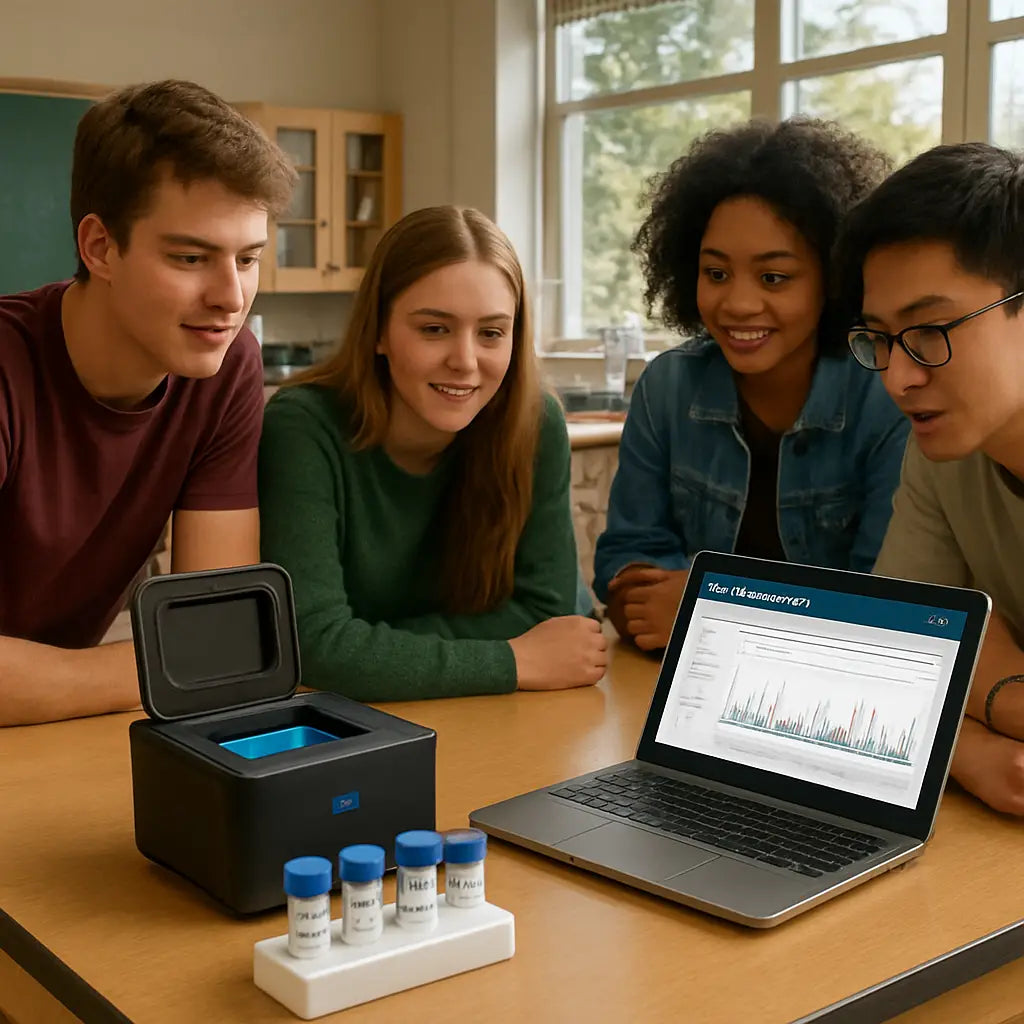
Step 2: Compare Core Features and Specs
Alright, you’ve got a short list of sequencers that could fit your classroom. Now comes the part most teachers dread – actually comparing the nitty‑gritty specs without getting lost in jargon.
First, pull out the feature checklist you made in Step 1. Does your class need real‑time base‑calling? Or is a simple barcode readout enough? Think about the learning goal, not the flashiest tech.
Identify the must‑have specs
Put a big tick next to anything that directly impacts a 45‑minute lesson. Typical must‑haves include:
- Startup time – can it be ready in under five minutes?
- Run‑time per sample – how many minutes per run?
- Consumable cost per run – does it stay under your budget per semester?
- Data output format – is it a web‑based dashboard your students can click through?
- Portability – does it fit on a lab bench or need a dedicated rack?
Anything not on this list is nice‑to‑have, not essential.
Score each option side‑by‑side
Grab a spreadsheet or even a piece of notebook paper and give each device a score from 1 to 5 for every must‑have. Add the scores up – the highest total usually wins, but watch out for hidden costs.
Here’s a quick table that sums up the three most common choices we see in schools:
| Feature | Nanopore Mini (e.g., MinION) | Benchtop Illumina‑Style | Hybrid Portable Kit |
|---|---|---|---|
| Startup time | 5 min | 30 min | 10 min |
| Cost per run | $15 / flow cell | $120 / cartridge | $40 / kit |
| Data format | Cloud dashboard | Desktop software | Hybrid web/desktop |
Notice how the portable kit lands in the middle on cost but still beats the Illumina on startup time. If your class only needs a quick DNA barcode, that middle option might be the sweet spot.
Now, let’s watch a short video that walks through a typical classroom run. It shows exactly how long each step takes and where students can interact with the data.
After the video, take a minute to jot down any surprises. Did the run time feel longer than the spec sheet said? Did the software look as intuitive as promised?
Read the fine print
Even the best‑scoring device can bite you later if the warranty is short or the vendor doesn’t bundle consumables. Look for:
- Educational discounts – many manufacturers shave 10‑20 % for schools.
- Free shipping on bulk orders – saves money on those starter kits.
- Return policy – can you send back unused flow cells?
Shop Genomics, for example, lists easy returns and free shipping on large orders, which can make the total cost of ownership feel a lot lighter.
Finally, rank the three options again, this time weighting any deal you’ve uncovered. If the top scorer also comes with a solid support package, you’ve got a winner.
Does this feel overwhelming? Take a breath – you’re only comparing three rows of data, not a dozen. Once you’ve chosen, the next step is to order the starter kit and start planning your first lesson.
Step 3: Evaluate Vendor Support and Training
When you finally narrow down a sequencer, the real test begins: will the vendor actually help you get it up and running in a high‑school lab? A great device can sit on a bench gathering dust if the support ecosystem feels like a maze.
Start with the basics – documentation and tutorials
Ask yourself: does the manufacturer offer clear, step‑by‑step guides that are written for teachers, not just PhD‑level scientists? Look for PDFs or web pages that break the workflow into “plug‑in, load sample, start run, view results” sections. Short video tutorials are a huge plus – you can pause, rewind, and project them for the whole class.
If you’ve ever tried to decipher a dense manual at 3 pm after a lab period, you’ll know why plain language matters. A quick search on the vendor’s site should pull up a “Getting Started for Educators” hub. That’s the kind of resource that turns a nervous first run into a confidence‑boosting moment.
Live training options – webinars, virtual labs, on‑site visits
Some vendors schedule live webinars that let you ask questions in real time. Even a 30‑minute session can clear up things like sample prep quirks or cloud‑dashboard navigation. If you can get a short on‑site demo – maybe a tech rep drops by during a professional‑development day – that’s even better. It shows the company is willing to invest time in your classroom’s success.
We’ve seen schools where a single hands‑on training day cut setup time from an hour to ten minutes. That kind of ROI isn’t just about the machine; it’s about the knowledge transfer.
Responsive tech support – what to look for
Check the support hours and channels. Do they offer email, phone, and a live chat option? A good rule of thumb is a guaranteed response within 24 hours for education accounts. If the support portal lists a ticket system with status updates, you’ll know exactly where your issue stands.
Ask the sales rep for a sample support ticket or a screenshot of their SLA (service‑level agreement). It’s okay to be a bit picky – you don’t want to be stuck waiting for a reply when a class is about to start.
Community and peer resources
Many manufacturers host user forums where teachers share lesson plans, troubleshooting tips, and even sample data sets. A thriving community means you can copy‑paste a solution that worked for another school rather than reinventing the wheel each semester.
Take a look at the activity level: are there weekly posts, active moderators, and searchable archives? If the forum feels abandoned, you might be on your own.
Training bundles and educational discounts
Some vendors bundle a “Teacher Training Pack” that includes a few extra flow cells, a year of cloud credits, and a dedicated education support line. Those bundles often come with a discount – think 10‑15 % off the standard price.
When you compare quotes, factor the training value into the total cost of ownership. A cheaper sequencer without a training bundle could end up costing more in staff time.
Checklist – evaluate vendor support in 5 minutes
- Documentation: plain‑language guides, quick‑start videos, printable PDFs.
- Live training: webinars, virtual labs, on‑site demos.
- Support response: 24‑hour SLA, multiple contact channels.
- Community: active user forum or educator network.
- Training bundles: included consumables, cloud credits, education‑specific discounts.
Run through this list with your shortlisted vendors and score each item from 1 to 5. Add the scores to your overall equipment matrix – the highest total usually points to the most classroom‑friendly choice.
Remember, you’re not just buying a sequencer; you’re buying peace of mind for every lesson you’ll teach. A vendor that backs you with solid support and training turns a potentially stressful purchase into a smooth, repeatable part of your curriculum.
Step 4: Run a Pilot Test in Your Lab
Let’s be honest: a pilot test isn’t the flashiest part of choosing sequencing gear, but it’s where you learn what actually works in your classroom. In our experience, the real proof isn’t a spec sheet—it’s a hands-on run with students, a timer, and a budget in sight.
First, decide what you’re testing. Are you validating startup time, run-time per lesson, data quality, or software usability? Pick two or three priorities you care about most, and keep the scope small. The goal isn’t to prove you chose the perfect machine today, it’s to learn what you’ll rely on week one of the semester.
Set a concrete plan with clear success criteria. For example: boot the device in under five minutes, complete a single barcode-reading run in under 20 minutes, and produce a readable classroom dashboard. If you can’t meet these targets, you’ll know you need more training or a different device before you commit to a whole class. So, what should you do next?
Prepare the lab and a simple workflow. Pick one beginner activity—like identifying local fruit DNA with a barcode read—and map every step. Who loads the sample? Who runs the software? How will you capture results in a shared rubric? A tight plan reduces confusion and makes it easier to compare outcomes across classes.
Run 1 as a dry run, then run 2 with students watching and helping where appropriate. Use the first run to confirm safety checks, bench setup, and consumable handling. Use the second run to test student interaction with the data, not just the pipeline steps. This staggered approach gives you early feedback without stalling the whole program.
Collect data in a simple, teacher-friendly log. Track time for each stage, consumable usage, any glitches, and student engagement. Use a quick rubric for data interpretation: can students describe what the results mean in plain language? Can they spot a potential error source? A straightforward sheet makes comparison across devices painless.
Evaluate results honestly. Are you hitting your targets? Is the workflow robust enough for other teachers to replicate? If yes, great—you're closer to a classroom-ready system. If not, adjust the plan. Maybe you swap to a cloud-based analysis to cut on-site setup, or you add a 30-minute prep session in your PD calendar. 2026 has shown that cloud tools can dramatically shorten the ramp for educators, but they’re not a magic fix by themselves.
Finally, document the pilot and plan the next steps. Write a concise pilot report: what worked, what didn’t, and what you’ll change. Share it with your team, then schedule a follow-up test with a revised rubric. Platforms like Shop Genomics can support your pilot with affordable starter kits and educator-friendly discounts, helping you scale from a single lesson to an entire unit without breaking the budget. Ready to pull the trigger on a real test in your lab?
If you’re unsure where to start, keep it simple: test one device, one lesson, and write down what surprised you. Small steps beat big plans.
Step 5: Make the Final Purchase Decision
So you’ve narrowed it down to a couple of sequencers, crunched the numbers, and even run a pilot. Now the big question: do you pull the trigger or keep the cart empty? This is the moment where the checklist meets the budget, and a little nervous excitement is totally normal.
First, revisit the “must‑haves” you wrote down in Step 1. Does the top candidate still score high on startup time, consumable cost, and ease of data‑viewing? If you’re missing any of those, it’s a red flag – even a great‑looking device can stall a 45‑minute class.
Compare total cost of ownership (TCO)
Look beyond the sticker price. Add up the consumables per run, any required accessories (like a micro‑centrifuge or a laptop stand), and the support package. In our experience, a modest‑priced nanopore starter kit can end up cheaper than a higher‑priced benchtop system once you factor in the $120 per cartridge cost for Illumina‑style runs.
Write the numbers in a simple table:
Device | Up‑front | Consumable/run | Estimated runs/semester | Rough TCO/yr.
This visual helps you see the real impact on your school’s budget.
Check the vendor’s education‑focused perks
Does the supplier offer a teacher‑training bundle, free shipping on bulk kits, or a flexible return policy? Those perks can shave weeks off your prep time and save a few hundred dollars. If two devices are otherwise equal, the one with a solid education support package usually wins.
Ask yourself: can you get a demo or a short video walkthrough before signing the order? A quick demo often reveals hidden quirks that specs sheets hide.
Secure funding and approvals
Most schools need a purchase request signed off by a department head or a budget committee. Pull the data you just compiled into a one‑page summary – highlight how the device meets curriculum goals, stays under the projected budget, and includes vendor training.
Tip: sprinkle a sentence about how the equipment will boost student engagement and align with state STEM standards. Decision‑makers love concrete outcomes.
Don’t forget to check any grant opportunities. Many education grants list “sequencing equipment” as an eligible expense, especially when you can show a cloud‑based analysis plan that reduces hardware costs.
Make the final call
When you’re ready, place the order through a trusted platform. Platforms like Shop Genomics let you bundle the sequencer with accessories, apply educational discounts, and enjoy free shipping on large orders – all in one checkout.
Double‑check the order details: correct model number, included consumables, and the training bundle you asked for. A quick screenshot of the order confirmation saved in your project folder can save headaches later.
Finally, schedule a brief “unboxing and first‑run” session with your team. Walk through the setup together, assign roles, and note any questions for the vendor’s support line. That last bit of prep turns a purchase into a ready‑to‑use classroom tool.
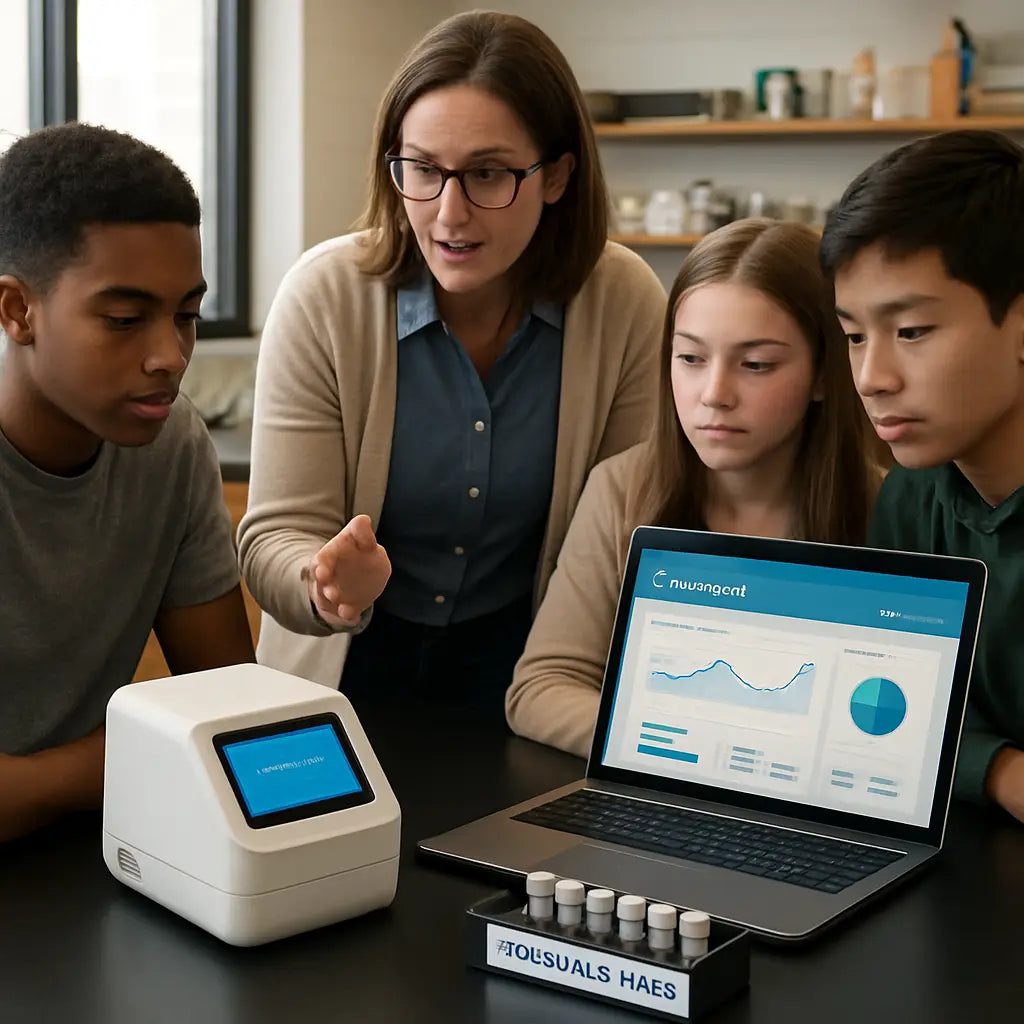
Take a breath. You’ve done the research, tested a pilot, and now you’ve got the numbers in front of you. Trust the process, hit “order”, and get ready to watch your students light up when they see real genomic data appear on the screen.
Additional Resources
Looking for a next step after the pilot? Here’s a quick stash of resources that can keep the momentum going.
First, the Shop Genomics blog library is a goldmine. You’ll find step‑by‑step walkthroughs for everything from setting up a nanopore flow cell to interpreting barcode results in a classroom-friendly dashboard.
Second, tap into the free webinars that pop up each month. They’re hosted by the same engineers who design the sequencers, so you get real‑world tips on troubleshooting common hiccups like uneven loading or software lag.
Third, don’t overlook the community forums. Teachers share lesson plans, sample data sets, and even printable checklists that you can adapt on the fly. A quick search for “high‑school sequencing lesson” will pull up dozens of ready‑to‑use ideas.
If you need budgeting help, the downloadable cost‑calculator template on the Shop Genomics resources page lets you plug in your consumable prices and project semester‑long expenses. It’s a simple spreadsheet, but it saves you from hidden fees.
Finally, keep an eye on the seasonal education discount calendar. Early‑year promos often include free shipping on bulk starter kits and extra flow cells for pilot projects.
Grab one of these tools, give it a spin, and you’ll feel far more confident when you finally place the order.
Conclusion
So you've walked through the checklist, compared specs, tried a pilot, and now the finish line is in sight.
When you think about how to choose affordable sequencing equipment for classrooms, the real secret is keeping things simple: match one core experiment to one device, watch the total cost of ownership, and lean on the support ecosystem that actually talks to teachers.
Remember the moments we highlighted – a five‑minute startup, a cloud dashboard that students can click, and a vendor who offers free shipping on bulk kits. If those boxes are ticked, you already have a winning formula.
What’s the next step? Grab the starter kit you liked most, run a quick “fruit DNA” lesson, and note any hiccups. A single run will confirm whether the workflow fits your class schedule and budget.
And don’t forget to revisit the resources you collected – the blog library, webinars, and community forums are there to smooth out the rough edges.
In short, focus on one affordable, teacher‑friendly sequencer, use the free training tools, and let the data speak for itself. When the results appear on the screen, you’ll see why this approach works.
Give it a try this semester and watch confidence soar among your students.
FAQ
What factors should I consider when figuring out how to choose affordable sequencing equipment for classrooms?
First, think about the core experiment you want to run – DNA barcoding, PCR‑based ID, or a mini‑genome project. Then check startup time, run‑time per class, and consumable cost per sample. Space, power, and the level of data analysis your students can handle matter too. Finally, weigh vendor support and any education‑specific discounts. All those pieces together give you a realistic picture of what will actually work in a 45‑minute lesson.
Why does startup time matter so much in a high‑school lab?
Because a typical class period is only 45‑50 minutes. If the sequencer needs 20‑30 minutes just to boot, you lose precious hands‑on time. Look for devices that are ready in under five minutes – many portable nanopore kits hit that mark. A quick start means students can spend most of the period loading samples, watching data appear, and discussing results, which keeps engagement high.
Can I get educational discounts on sequencing gear, and how do they work?
Yes, most manufacturers offer a school‑price tier or bulk‑order discount. You’ll usually need to provide proof of accreditation and a projected purchase volume. Some vendors even bundle extra flow cells or cloud credits into a starter kit. It’s worth asking the sales rep for a “teacher‑training package” – that can shave 10‑20 % off the list price and give you extra consumables for the pilot.
What kind of support and training should I look for from the vendor?
Start with plain‑language quick‑start guides and short video tutorials that you can play in class. Live webinars or a one‑hour virtual walk‑through are gold – they let you ask real‑time questions. A responsive tech‑support channel (email, phone, or chat) with a 24‑hour SLA is essential when a lesson is about to start. Community forums where other teachers share fixes can also save you hours of troubleshooting.
How do I calculate the total cost of ownership (TCO) for a sequencer?
Make a simple table: list the upfront device price, cost per flow cell or cartridge, estimated runs per semester, and any accessories you’ll need (centrifuge, laptop, consumables). Multiply the consumable cost by the number of runs, then add the upfront cost and any annual service fees. The sum gives you a realistic TCO, which you can compare side‑by‑side with other options.
Is cloud‑based analysis software necessary for classroom use?
It isn’t strictly required, but it makes life a lot easier. Cloud dashboards run in a web browser, so you don’t need a dedicated server or fancy bioinformatics skills. Students can click through results on the same laptop they used for sample prep, which keeps the workflow smooth and reduces IT headaches. If your budget is tight, look for vendors that include a few months of cloud credits in the starter kit.
Where can I find starter kits that include everything I need for a pilot?
Platforms like Shop Genomics curate starter bundles that pack the sequencer, library‑prep kits, flow cells, and even a year of cloud credits into one order. They also offer free shipping on bulk purchases and easy returns, which helps you stay within budget while you test the workflow. In our experience, ordering a complete kit from a single source cuts down on paperwork and speeds up the get‑started phase.



